


Your hours
Clients can order your gigs inside your hours. Outside them you go online with overtime.

RemoteStarBusiness Venture
Start RemoteStar Venture to offer jobs or sell your team’s skills. Free to start.
Download the app & Start a Venture tab.
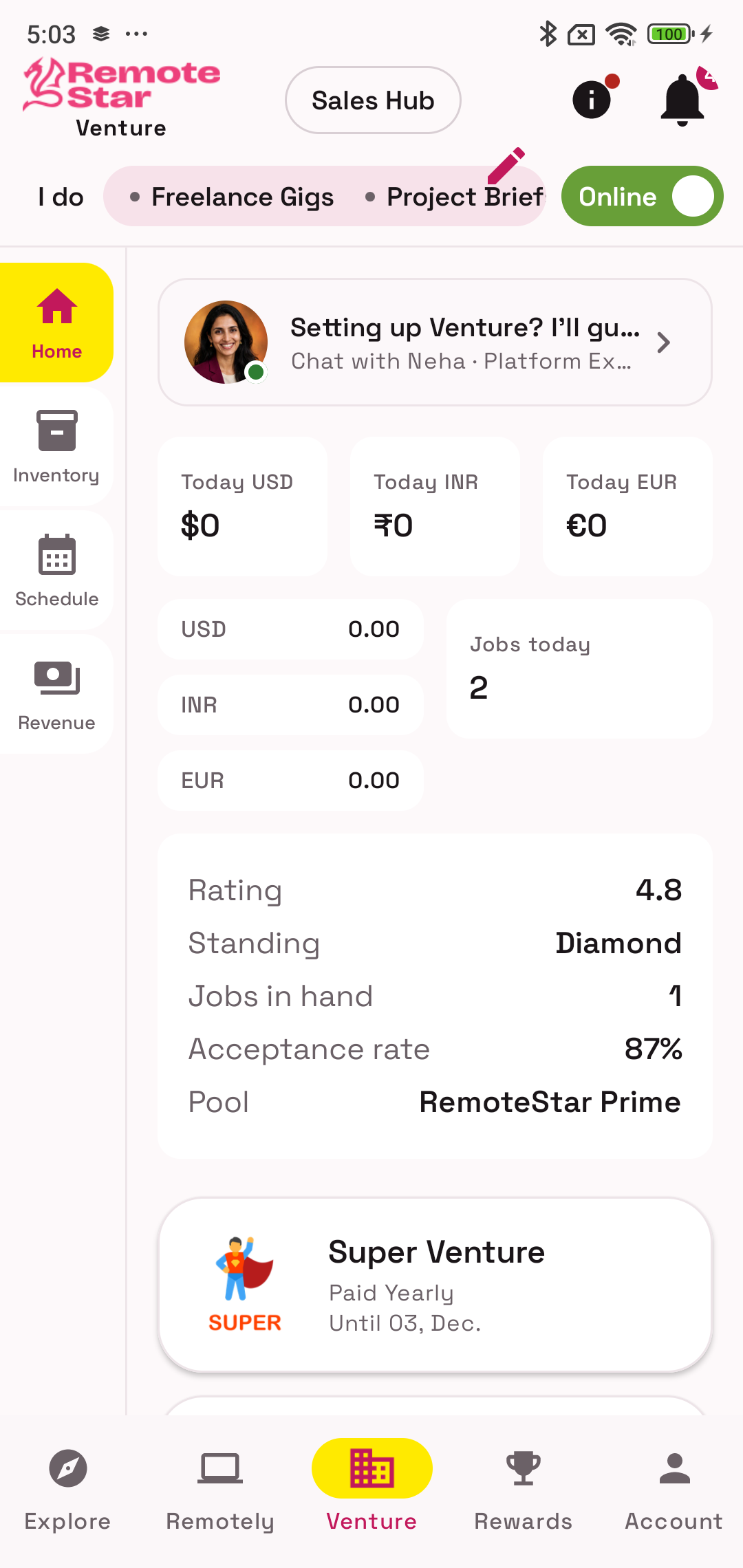
Business Venture has three routes. Choose the ones that match your work, and list each one for approval.
Open RemoteStar and choose Start a Business Leaf ID. It adds a Venture tab. You keep your account and can still hire.
Pick your role and how you work: remote, hybrid or on site. Inventory opens a tab for gigs and briefs.
Clients see verified talent first. Finish the check and we review it, usually within two working days.
List what you do and your price. Once approved, it shows in Explore.
Orders land in your Venture panel. Apply to briefs from Explore or Remotely.
When the client releases the payment, it lands in your wallet. Withdraw it to your bank.

Everyone starts free with no pack. Super, one yearly pack for every app you work in, raises your daily limit; RemoteStar Prime, monthly and only in RemoteStar, takes you to the top. You pay in full when you start; after that both renew by autopay, Super every 3 Dec and RemoteStar Prime on the 28th of each month.

3 orders a day
Where everyone starts. Free.

5 orders a day
Raises your daily cap in every app you work in, and orders reach you first.
10 orders a day
The top of the pool. The highest daily limit, and you are offered orders before everyone else. Needs Super.
Clients can order your gigs inside your hours. Outside them you go online with overtime.
Watch training clips, then sit the RemoteStar CFA test to earn your certificate.
See what has cleared and what is still settling. We store only the last four digits of your account number.
Briefs you post collect applicants in your Sales Hub. Reply to them on Adda.
New gigs wait for approval, then go Active. Take any gig offline whenever you like.
Adda is Frycold’s own chat app. Talk to clients in one place, instead of five.
Free to start. Get the app, then add the Venture tab.